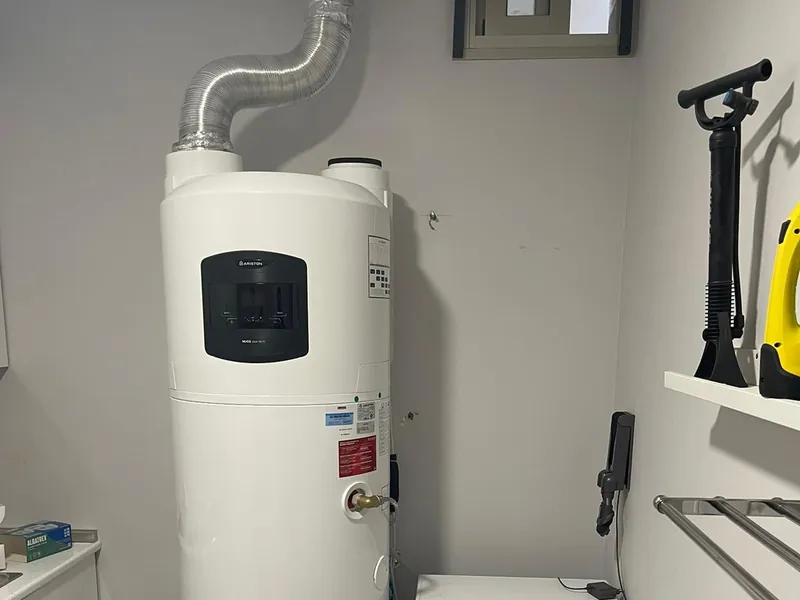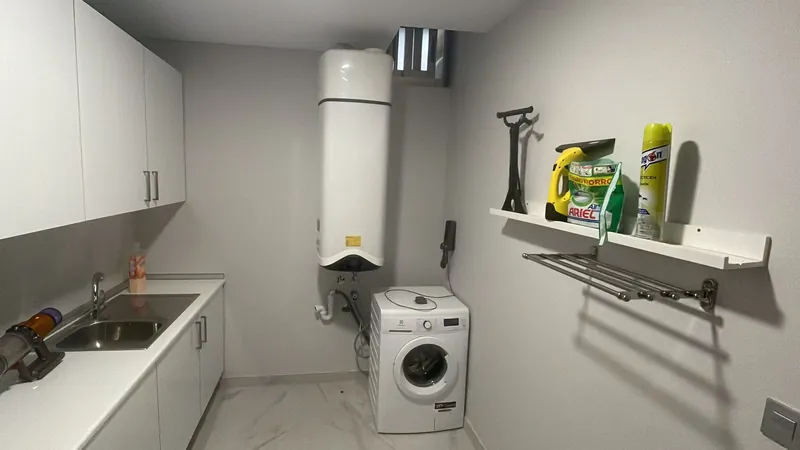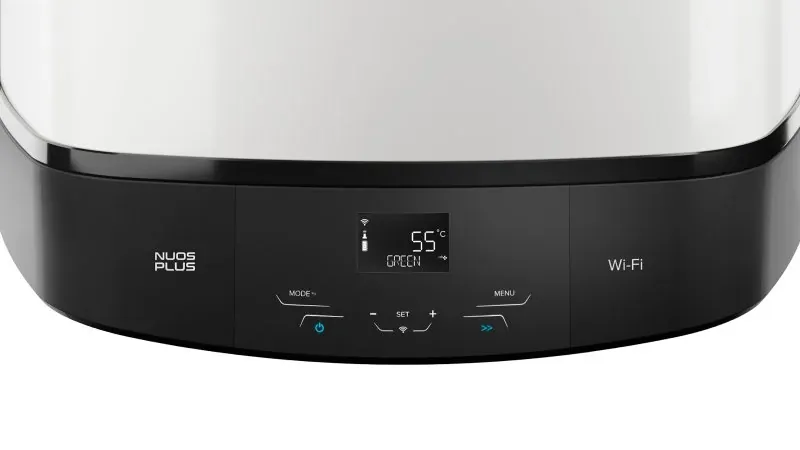
Your Nuos Plus S2 WiFi can be controlled from your phone with the free Ariston NET app: switch it on, change the temperature, set a schedule or check consumption. Connecting it takes about 10 minutes. Here are the steps, plus the problems we see during commissioning visits and how to fix them.
Before you start
- 2.4 GHz wifi. The Nuos does not connect to 5 GHz networks. If your router broadcasts both under the same name, you may need to split them.
- Good signal where the unit is. If it is in the garage or utility room and your phone barely has signal there, neither will the unit.
- Keep your phone on one network. Switch off mobile data and automatic network switching during the process.
- Your wifi password to hand.
Step by step
- Download Ariston NET (Google Play or App Store), create your account and confirm the email they send you.
- In the app, tap Add and follow the wizard.
- On the unit, press the Wi-Fi button: the icon starts flashing slowly.
- Hold the Wi-Fi button for 5 seconds: AP appears on the display and the icon flashes quickly.
- In the app, confirm and accept connecting to the network the unit creates, Remote Gw Thermo.
- Choose your home wifi and enter the password.
- Check the address the app suggests and give the unit a name.
It is connected when AP disappears from the display and the wifi icon stays on.
Official Ariston video
The video is in Spanish, but the steps on screen are the same as above.
If something goes wrong
The wifi icon is on, but the unit does not appear in the app
The unit is already connected; what takes time is registering the product on Ariston’s servers. Wait up to 24 hours before trying again: it often appears on its own.
The last step fails: product registration
The Nuos is on your wifi, but the app cannot finish registering it. Check the details you entered, especially the address. If it still fails, you have two options:
- Repeat the connection process from the start. It often works the second time.
- Link it with the serial number. Leave the unit connected to wifi, find the serial number (SN) on the sticker on the side of the unit, start the process in the app and choose the option saying the unit is already connected. Enter the SN and the Nuos is linked to your account.
The unit cannot find your wifi
It is almost always a 5 GHz network or weak signal where the unit is. Move the router closer, use a repeater or split the 2.4 and 5 GHz networks.
Would you rather we connected it for you?
We do it during the official commissioning, which is free for you: we check the installation, set the unit up to save energy and, if you like, connect it to the app. We are the official Ariston service centre in Alicante and Murcia.
Book the commissioning Book it on WhatsApp
In the form, choose “Ariston commissioning” under Service. We speak English.
Frequently asked questions
Does the Ariston NET app cost anything?
No. Ariston NET is free on Google Play and the App Store.
Can I control the Nuos with Alexa or Google?
Yes. Ariston NET works with Amazon Alexa, Google Assistant and Apple HomeKit.
Does the unit work without wifi?
Yes. Wifi is only for controlling it from your phone; the unit heats water just the same without a connection.